

Ubuntu Kylin 20.04LTS Release - Brand new UKUI 3.0
On April 23rd, 2020, the Ubuntu Kylin team is pleased to announce the official release of UbuntuKylin's open source operating system version 20.04 LTS (codenamed "Focal Fossa" Mashima Long-tailed Beaver Cat). Ubuntukylin 20.04 is the fourth Long Term Support (LTS) version after 14.04, 16.04, 18.04, and offers 3 years of technical support.
The new version of Ubuntukylin 20.04 LTS comes with the new UKUI 3.0 desktop environment preview and supports x86 and ARM64 architecture, which further optimizes the 4K HD display effect and application component stability. The new Kirin cloud account function unifies the identity authentication of all platforms and provides users with the cloud synchronization function. Fixed 539 known issues such as taskbar inability to preview minimized apps, file manager memory leak, etc., to provide users with a more efficient and stable user experience. You are welcome to try it out and give us your feedback.
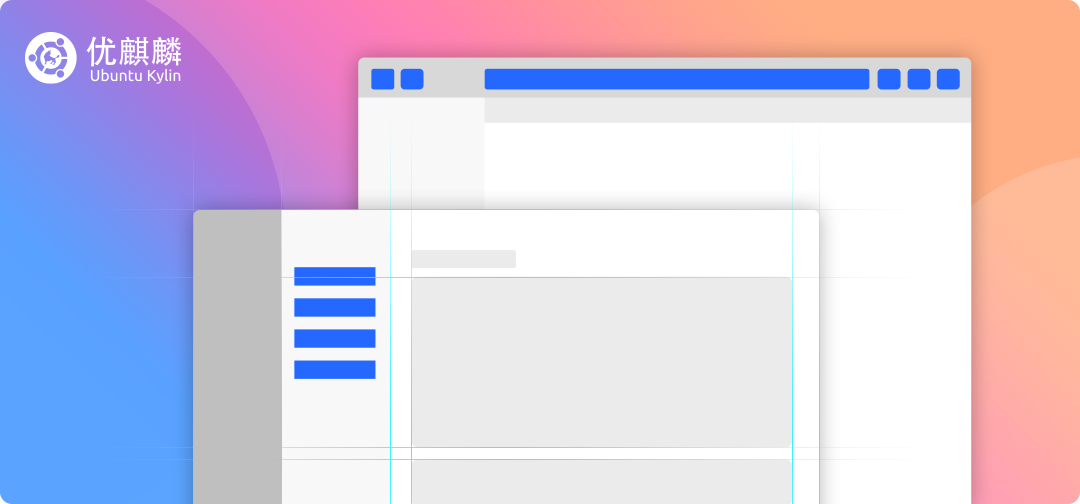
Turn lines into blocks
The use of block shades to separate the visual area, remove the excess partition lines, easier for the user to focus on the content, making the whole interface more integrated.
New icons
A micro-gradient flat style is used for tighter detail.

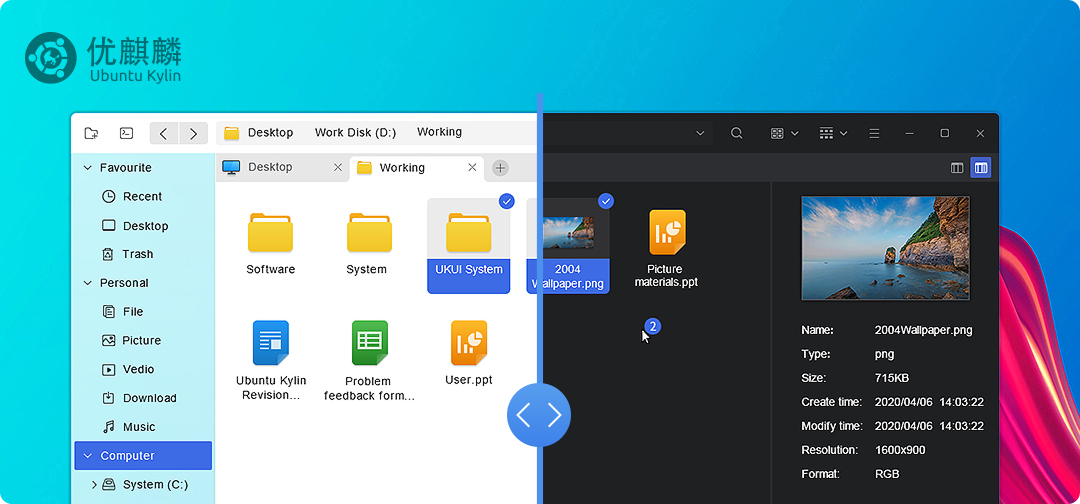
Dark theme.
The dark theme creates an aesthetically pleasing and non-intrusive work environment that allows the eye to easily remain focused.
Linux 5.4 kernel
The use of the latest 5.4 kernel version brings many feature enhancements and more device support.

Some other important updates.
Faster large directory changes on the XFS file system.
Upgrade of the exFAT file system driver.
Merge VirtIO-FS to improve VM folder sharing.
AMD Ryzen 3000 temperature reporting support.
RTL8125 network equipment support.
Support Intel Tiger Lake
Improved display colour management under the Nouveau open source graphics card driver.
RK3288 VP8 decoding support.
ASpeed AST2600 (Server Management Processor) support.
Intel Ice Lake Thunderbolt support.
Sound Open Firmware improvements.
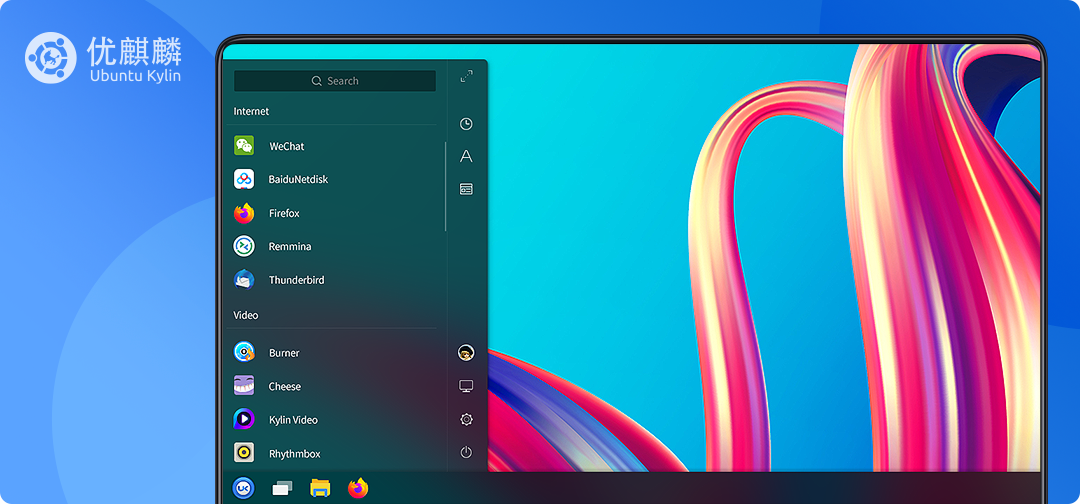
Start menu
New layout, full-screen window to your heart's content; carefully categorized, intelligent search with one key.
Taskbar
New layout, default and full screen size switch to your choice, provide alphabetical sorting and sorting by function, more convenient to find.
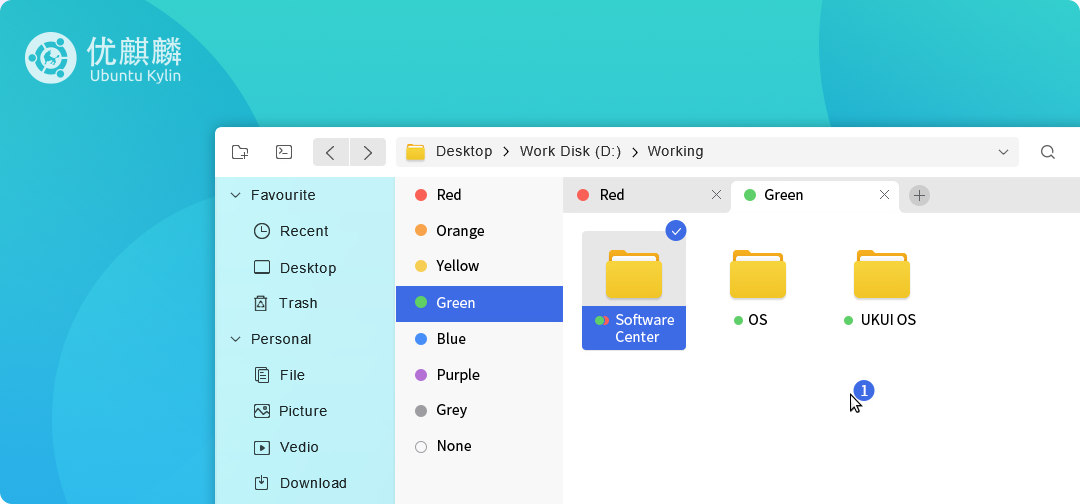
Document Manager
Search and address bar in one, flexible and easy-to-use advanced search, powerful page signing bar, new status bar, bring you a new document viewing experience.
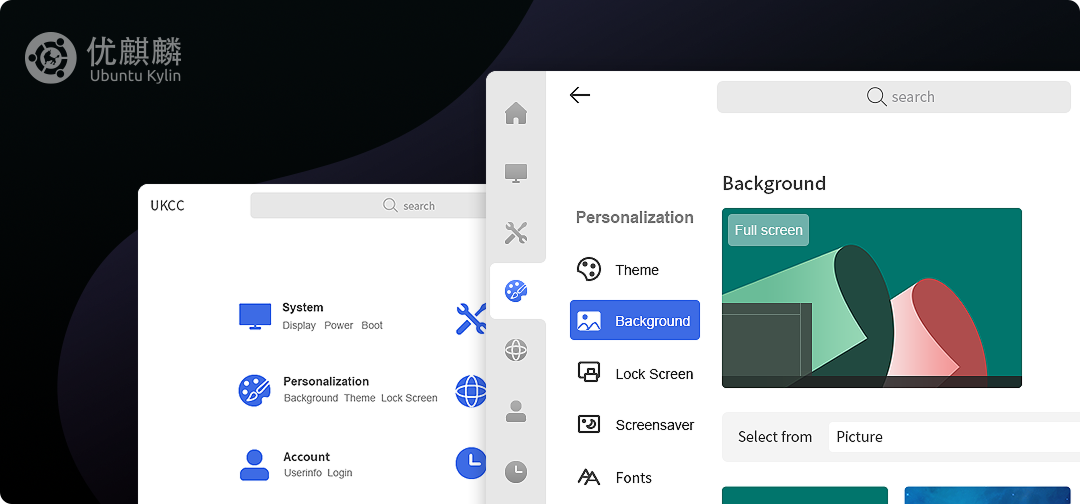
Control center
New design layout, clearer categories, more practical function settings for you.
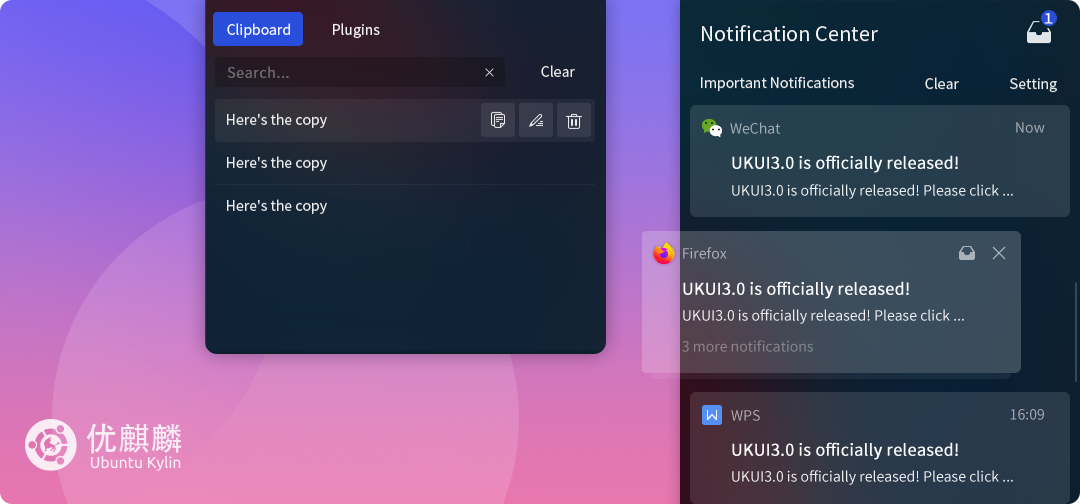
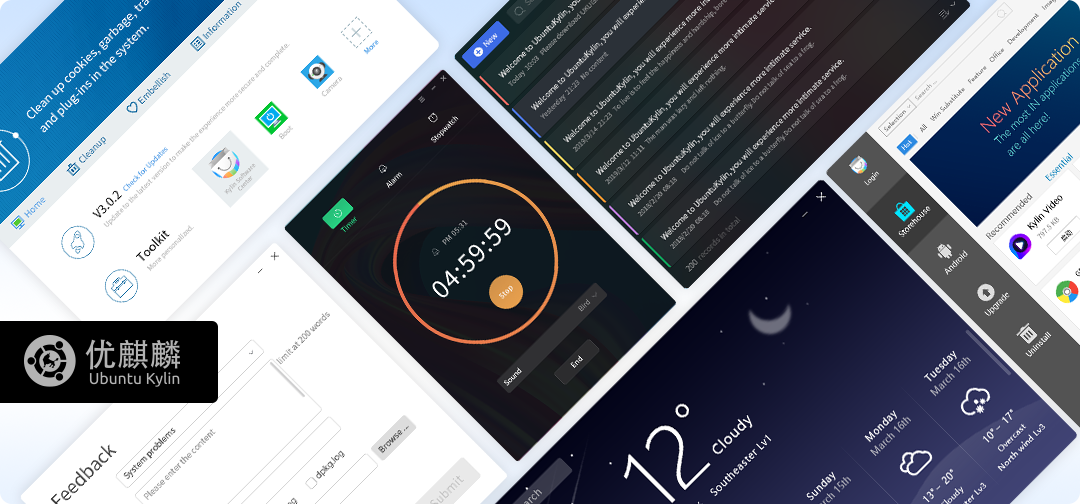
Personalized tools
A powerful and reliable booster for your work and life with the help of a small plug-in that is built with care.
Night mode
Make even waking hours a more restful and comfortable experience.
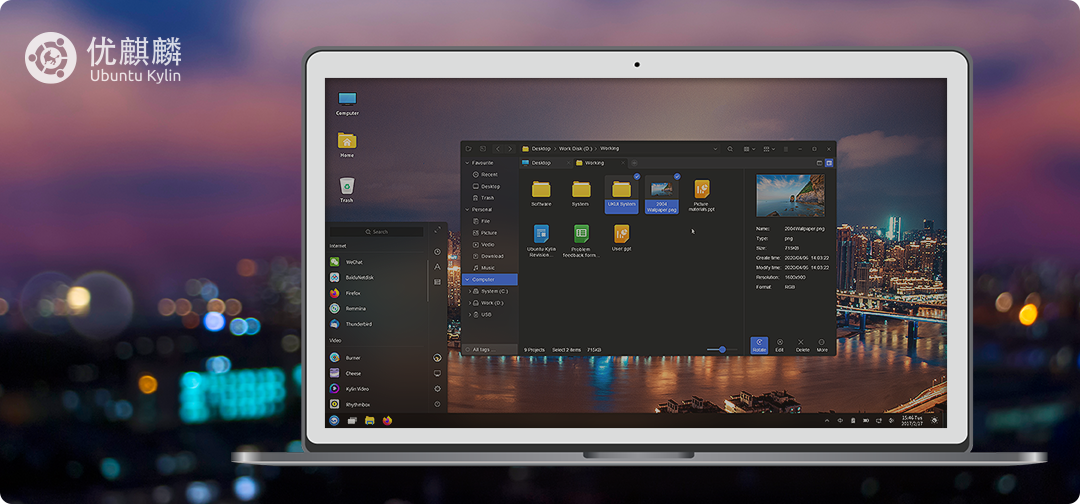
With automatic screen brightness and color temperature reduction at night to relieve eye strain, we care more about your health than ever. He worked late at night, with UbuntuKylin by his side.
More information on new system features and problem fixes. http://m.eply168.cn/news/2004ReleaseNotes-en.html
At present, you can download and install UbuntuKylin 20.04 LTS through the website or the UQL website http://m.eply168.cn/downloads/.
Users with 18.04 and 19.10 installed can also update to version 20.04 by the following methods:.
1. Open the "Software Updater" and wait for the progress bar to complete, then select "Settings"
2. Switch to the "Update" page and select "Apply any long-term support version" in "Notify me of new versions"
3. Click "Install Now" and exit after the installation is complete
4. Open a terminal and enter "sudo update-manager -c -d"
ps. To upgrade to the latest UKUI 3.0 enhanced, please add the source of UKUI 3.0:
$ sudo apt-get install curl
$ curl -sL 'https://keyserver.ubuntu.com/pks/lookup?&op=get&search=0x73BC8FBCF5DE40C6ADFCFFFA9C949F2093F565FF' | sudo apt-key add
$ sudo apt-add-repository 'deb http://archive.ubuntukylin.com/ukui focal main'
$ sudo apt upgrade
-
Ubuntu Kylin 15.10 Final Released[2017/04/12]
-
Ubuntu Kylin 15.04 National Release Series - Tianjin Station (home)[2015/05/13]
-
The new version of WPS 2019 released, formula editor on Ubuntu Kylin preferred![2019/09/12]
-
Ubuntu Kylin 15.04 National Release Series - Zhumadian Station is rounded off![2015/06/06]
-
Faster, More Stable And More Efficient! Ubuntu Kylin 20.04 Pro SP1 officially Release[2021/12/31]
-
How to install the Ubuntu Kylin operating system on Windows[2021/12/29]
-
Ubuntu Kylin 22.04 LTS officially released - UKUI 3.1 starts a new experience![2022/04/24]
-
Ubuntu Kylin 14.04 Beta 2 test version was released on March 27![2014/04/06]
-
Ubuntu Kylin 20.04 LTS Beta Released![2020/05/12]
-
UbuntuKylin 13.10 Alpha-1 Released[2013/06/28]
-
Ubuntu Kylin 19.10 Software Center,New facelift, simplification for complex[2019/10/22]
-
100-day countdown! Ubuntu Kylin 20.10 release plan![2020/07/15]
-
Ubuntu Kylin in the news of Linux Journal[2017/11/14]
-
[Recruiting in 2021] Welcome to Ubuntu Kylin Comunity![2021/01/19]
-
Ubuntu Kylin 16.04 Officially Release[2017/04/12]