

Ubuntu Kylin 24.04 officially released
Ubuntu Kylin 2404
On April 25, 2024, the UKUI team released the Ubuntu Kylin 24.04 LTS, which is the sixth version following 14.04, 16.04, 18.04, 20.04 and 22.04.
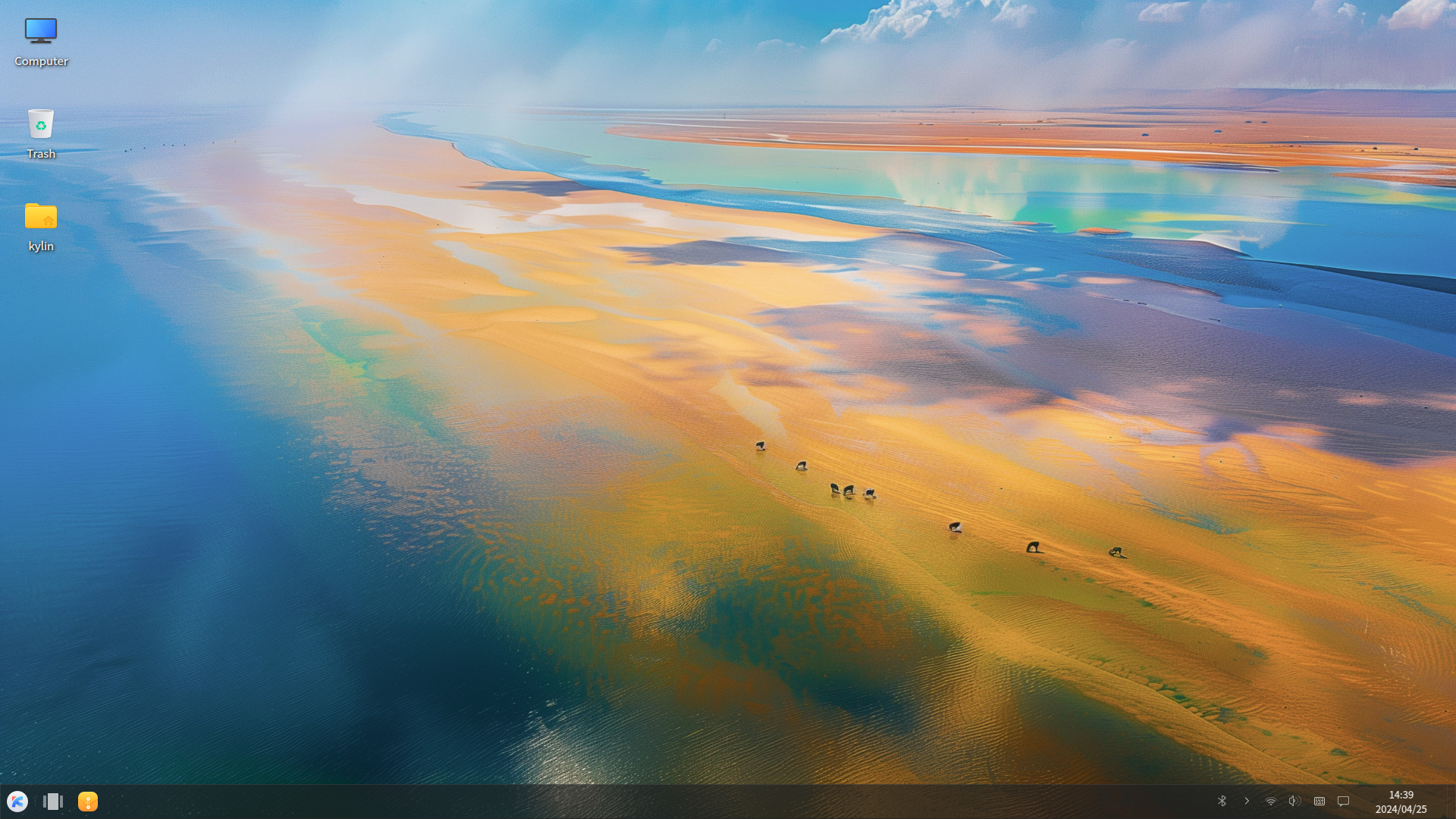
Ubuntu Kylin 2404 is integrated with the 6.8.0 kernel. It also has upgraded some desktop environment components to UKUI4.0 with many new features. The basic library, subsystem, and core software have also been upgraded to improve overall system stability and compatibility, It will bringing a better experience to user!
New Features
1. Kernel 6.8.0
Ubuntu Kylin 24.04 includes the new 6.8 Linux kernel that brings many new features.
●Improved networking buffers for better caching efficiency
●Driver fixes for the Steam Controller
●Better color management for the Steam Deck
●A guest-first memory feature for KVM
●A change to the Intel P-State CPU frequency scaling driver
●The ability to prevent direct writes to block devices
●Improved sys call entry performance for the IBM Z architecture
●Fixes to mitigate AMD RFI interference on Ryzen 7000 and 8000 laptops
●Optimizations for NUMA balancing and Deadline Scheduler
●Improvements to the WMI bus driver
●Improvements for several Android devices
2. UKUI 4.0 desktop environment
Ubuntu Kylin 2404 is equipped with UKUI 4.0 desktop environment, which focuses on aesthetics and ease of use, and provides a wide range of personalized settings options. User can easily create a fitted desktop layout according to their preferences, making their work more convenient.
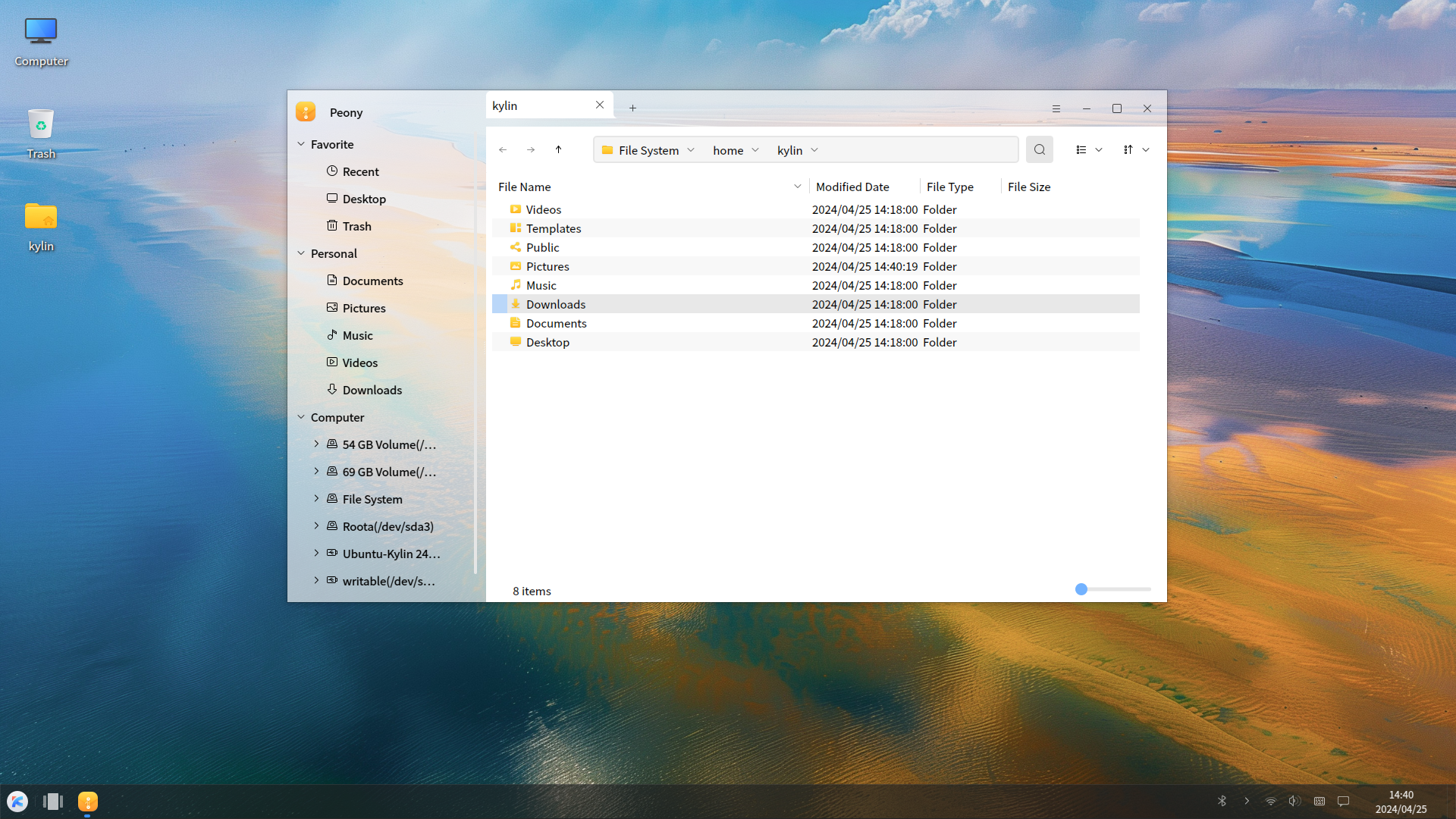
Peony
The newly self-developed file manager, Peony, boasts a visually appealing UI interface alongside convenient features, including file search, module view control, file sorting, disk mounting and formatting capabilities.
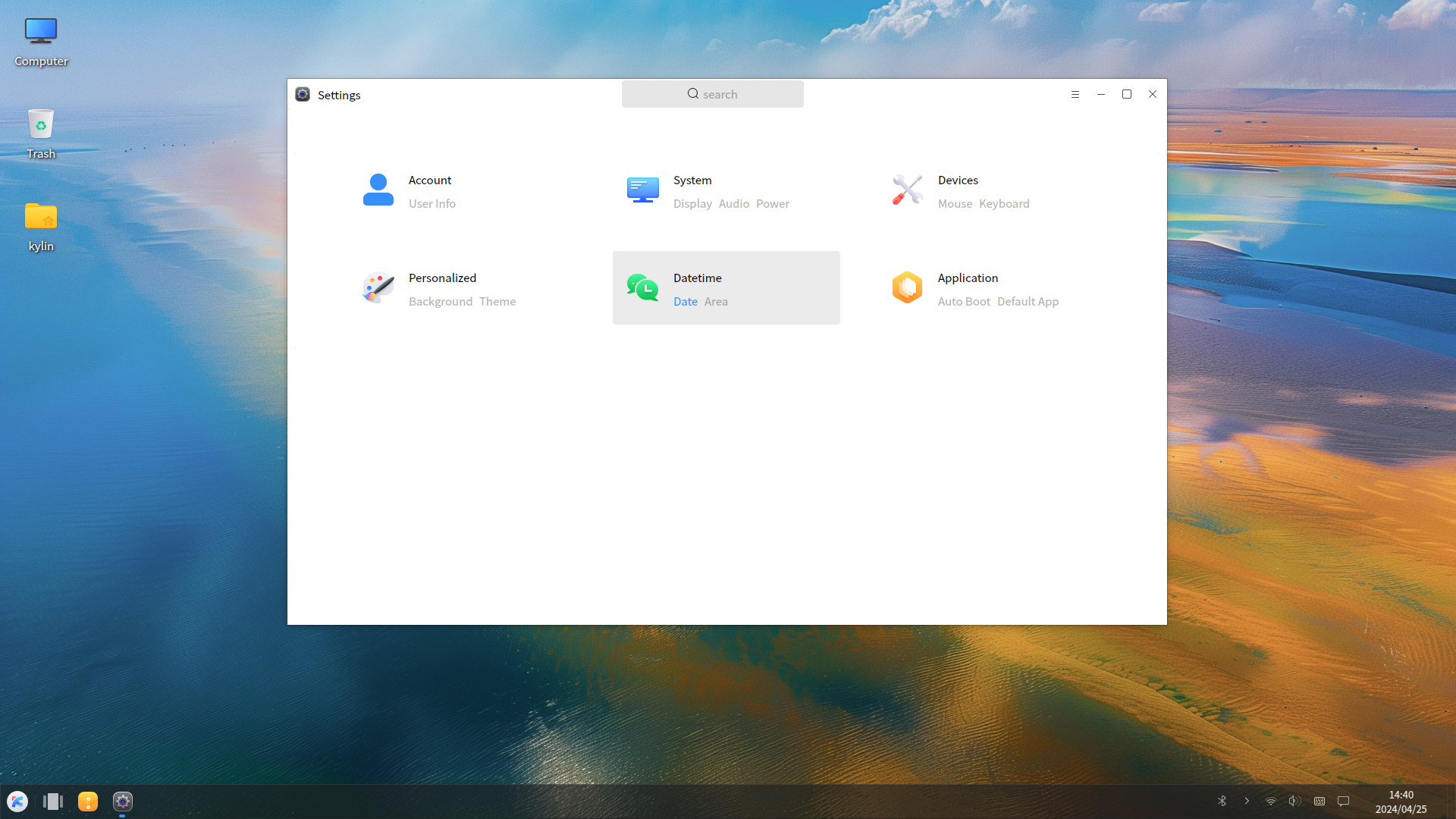
ukui-control-center
ukui-control-center not only has changed in UI style, but also has enriched many convenient system setting, such as user settings, display settings, sound settings, power settings, theme settings, language settings, application settings, etc.
3. kylin-sdk 2.0
The Ubuntu kylin 2404 also integrates kylin-sdk 2.0, a development toolkit that provides developers with secure, reliable, fast, and stable development resources and APIs. Developers can develop applications more quickly which are compatible with the Ubuntu Kylin system by use kylin-sdk 2.0, bringing user a richer software ecosystem. Currently, kylin-sdk focuses on three major modules, including Application Support SDK, System Capability SDK, and Basic Development SDK.
Application Support SDK: On Application Support SDK, all of the packages provide graphical development functions for graphical applications, such as graphical widget, theme styles, etc. This module is usually bound to a specific development framework, such as QT, GTK.
System Capability SDK: Each package in the System Capability SDK represents one or a type of system capability, such as operating system information, hardware management, system security policies, network management, and so on.
Basic Development SDK: This module is mainly designed to provide a collection of operating system-independent, highly generic, and basic functions for application development. It reduces the differences and complexities of different applications in implementing the same functionality.
Installer
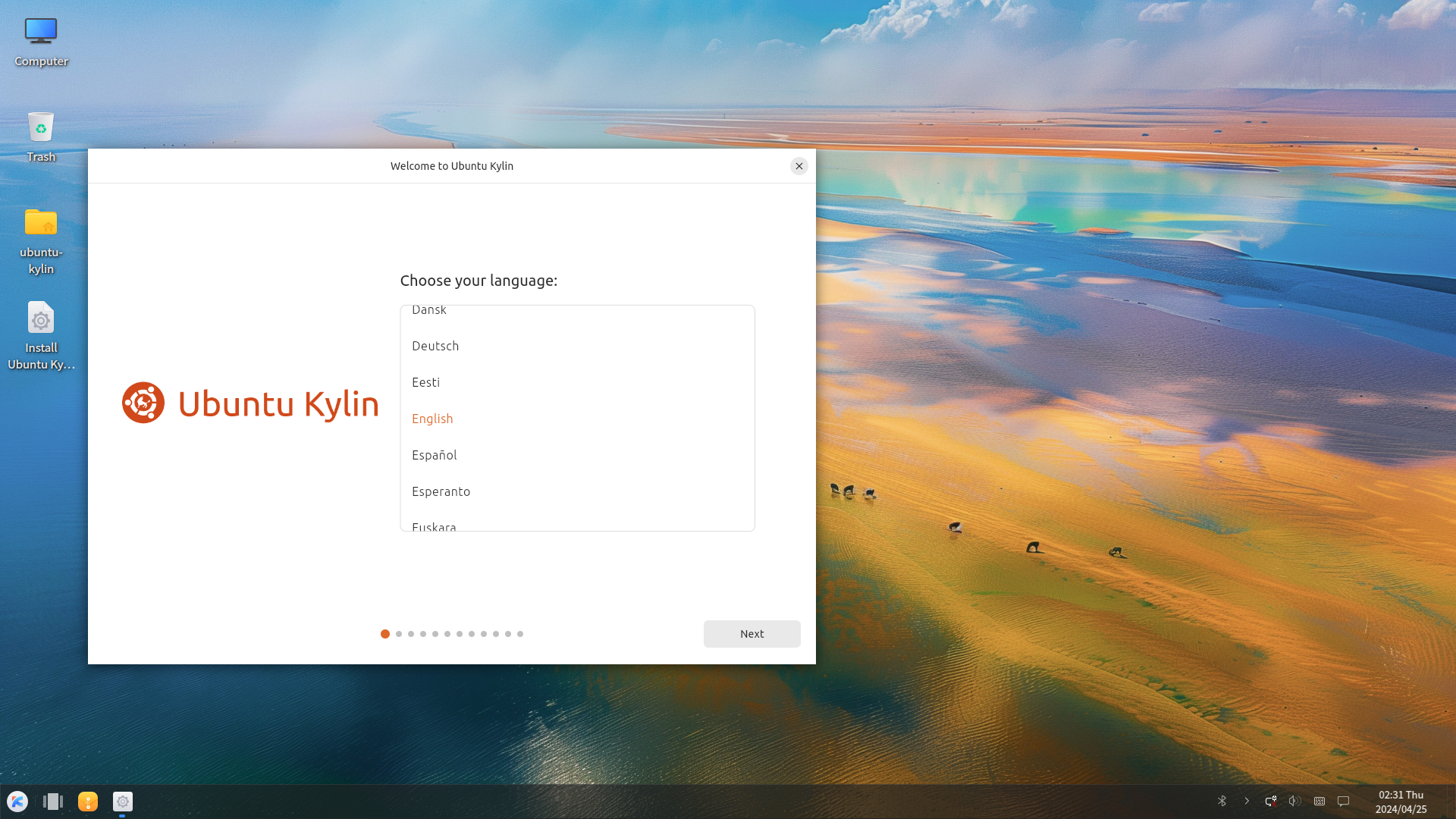
1.Image install
Download the image through the official website, create a bootable disk for installation (recommended).
Image download address : http://m.eply168.cn/downloads/
SHA256SUM:50f08e2b23b37fa2f134a4763e09510822460e4a2674848ccd1950362f8281d7
2.Upgrading from previous releases
(1)Upgrade by terminal commands
Open the terminal:
$ sudo apt update
$ sudo apt upgrade
$ sudo do-release-upgrade --allow-third-party -d
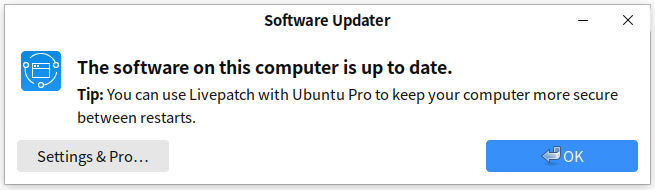
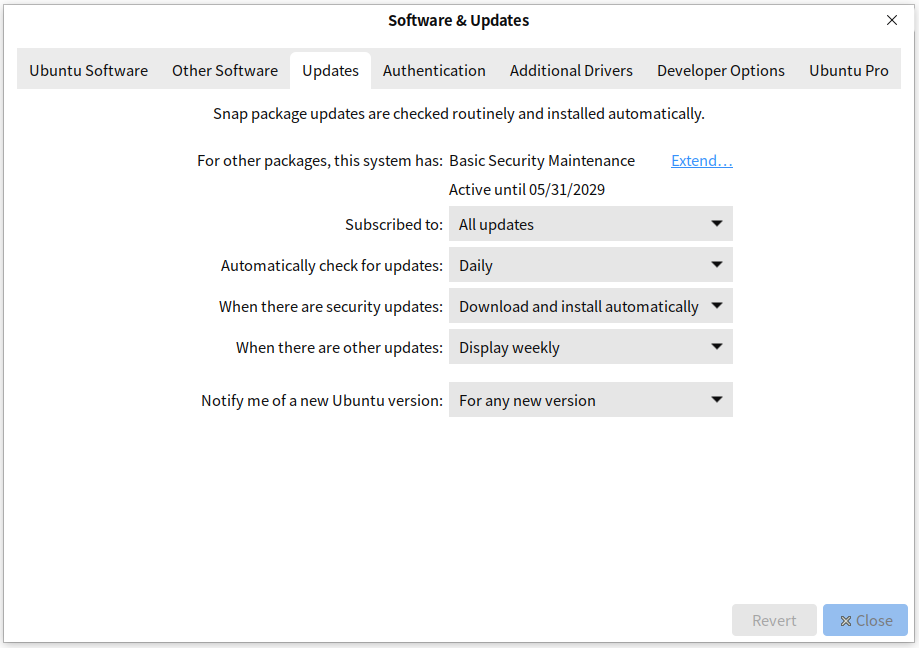
(2)Upgrade by software updates
After the release of 24.04, ensure you change your Software Sources to offer updates for any version.
You will then be offered to upgrade when you run Software Updates.
Fixed issue
●Ukui-control-center cannot create a new user.
●The system audio cannot be set.
●The time-module in the panel does not update the time.
●The theme module in ukui-control-center cannot be loaded.
Known issue
●After installation, the system language is incorrect when entering the system for the first time. It will be normal after reboot.
●The settings of the power management module do not take effect.
●System will popup error window.
Support
●Website: http://m.eply168.cn/
●Project page: http://www.launchpad.net/ubuntukylin
●Bug tracker: http://bugs.launchpad.net/ubuntukylin
●IRC channel: https://webchat.freenode.net/?channels=ubuntukylin-devel
●Mailing list: https://lists.ubuntu.com/mailman/listinfo/ubuntukylin-devel
●Weibo: http://weibo.com/u/3265288504
●Business Email: mailto:[email protected]
Thanks
Thanks to Simon Quigley, Jeremy Bich, Mauro, sil2100, fossfreedom and others who involving in the work of Ubuntu Kylin, the success of Ubuntu Kylin 24.04 would the result of our joint efforts. If you want to be a contributor of Ubuntu Kylin,see:
https://wiki.ubuntu.com/UbuntuKylin/NewContributorGuide
https://developer.ubuntukylin.com/