

Ubuntu Kylin 19.10 will reach end of life this month
Ubuntu Kylin 19.10 was released on October 17, 2019, as an Short-term support version, which received 9 months of official technical support, including program updates and security patches. On July 17, the official support for Ubuntu Kylin 19.10 will be terminated and users will not be able to continue to get official updates to the program, recommending users of 19.10 upgrade to Ubuntu Kylin 20.04 LTS.

Ubuntu Kylin 20.04 is a long-term support release that will provide up to 5 years of technical support until 2025. Ubuntu Kylin 20.04 LTS integrates Linux 5.4 kernel and UKUI 3.0 desktop environment preview by default, and supports both x86 and ARM64 architectures. Optimize the display effect of 4K HD screen, improve the stability of application components, and add the Kylin cloud account function, unify the identity authentication of Kylin platforms, and provide the function of synchronize user personalized settings through the cloud.
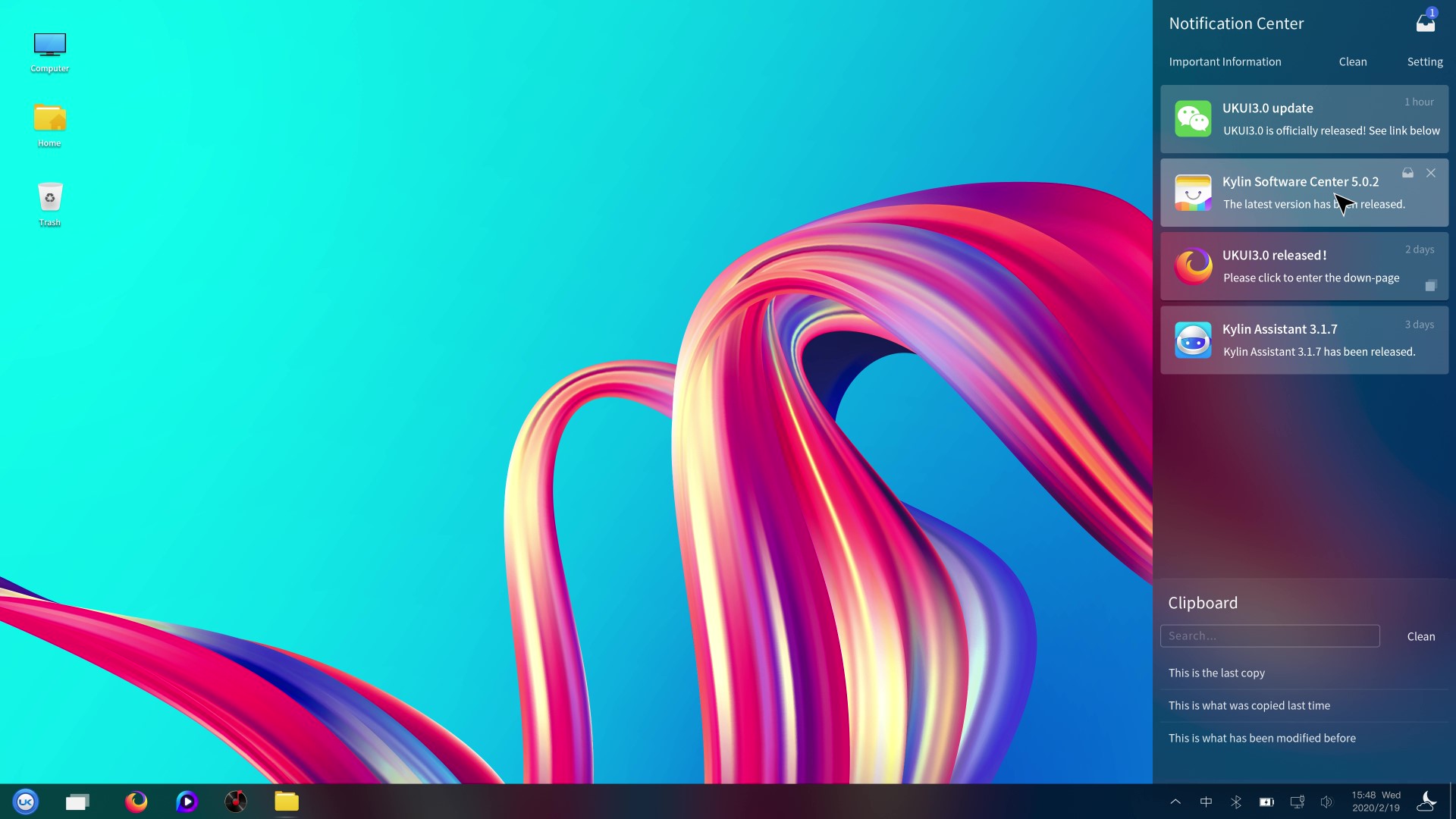
Upgrade Method:
1. open "Software and Updates".
2. On the "Update" page, under "Notify me of new releases", select "Apply to any long-supported version".
3. Open the "Software Updater".
4. Click "Upgrade...". When the upgrade is complete, restart the system.
5. Update to UKUI 3.0 enhanced version.
a) Download key package.
UKUI Source: https://github.com/ukui/ukui-keyring/ releases/download/v2020.04.25/ukui-keyring_2020.04.25_all.deb
Third-party software source: https://github.com/UbuntuKylin/kylin-software-keyring/releases/download/v2020.04.25/kylin-software-keyring_2020.04. 25_all.deb
b) Enter the download directory and double click to install the above key package.
c) Open "Software Updater" and click "Install Now".
6. Reboot the system and complete the upgrade.
ps. Users who want to experience Ubuntu Kylin 20.04 special effects mode can install kwin related packages through “sudo apt install ukui-kwin” and log out of the system.